
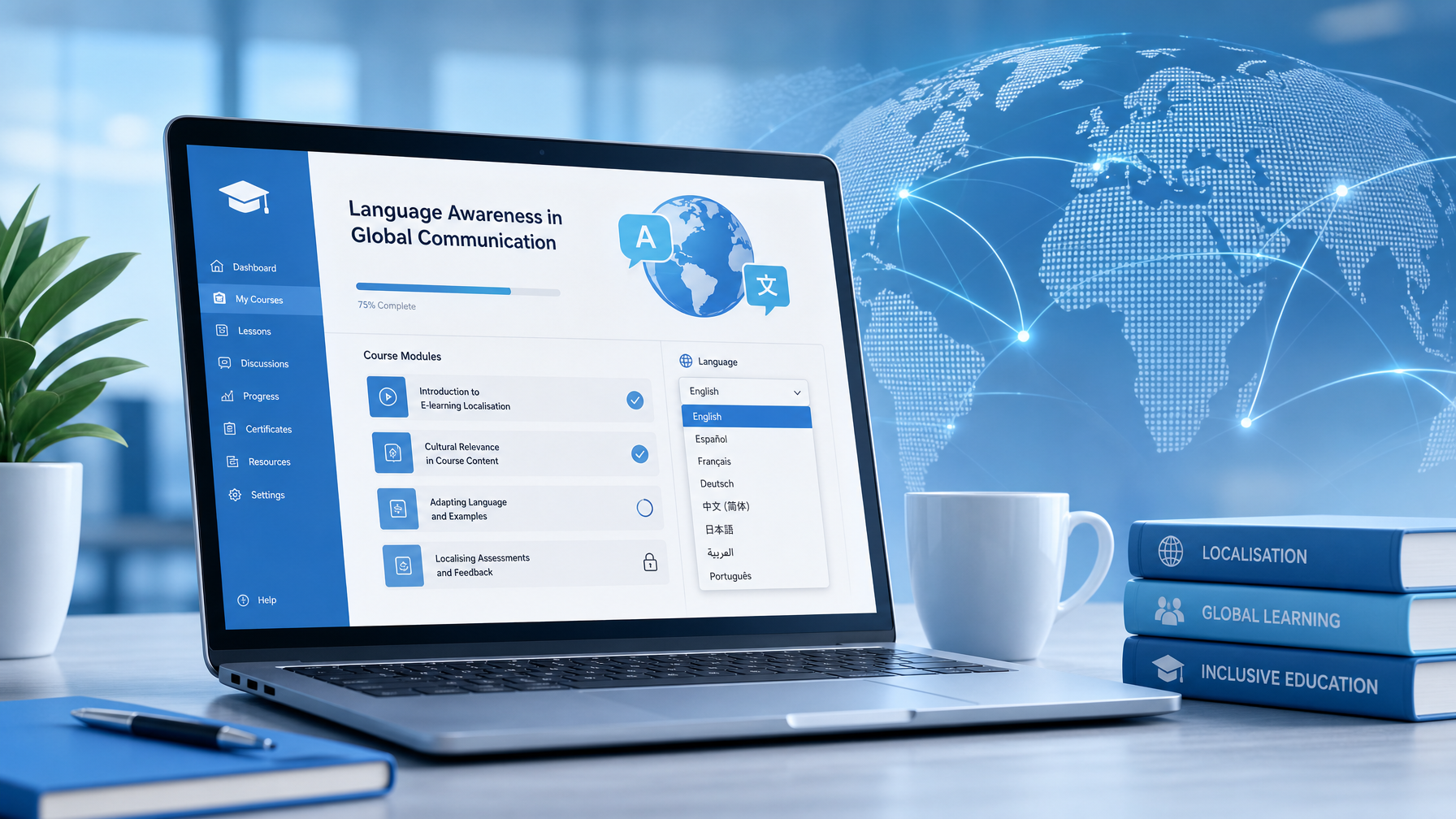
E-Learning Localisation: How to Translate a Course Without Breaking It
Key Takeaways
- E-learning localisation goes beyond translation: it adapts text, audio, visuals, UI elements, and cultural references for the target audience.
- The file format you use (SCORM, xAPI, Articulate Storyline, Rise 360, Adobe Captivate) determines how the translation workflow runs and what you need to send to your provider.
- Text expansion of 20–30% in many European languages and right-to-left reflow in Arabic and Hebrew are the two most common technical issues that break course layouts after translation.
- Audio and video components need separate handling: voice-over re-recording or subtitle files must be timed to match the course pacing.
- Preparing your source course correctly before sending it for localisation saves significant time and cost.
You have built a well-structured e-learning course. Learners in your English-speaking markets engage with it, complete it, and pass assessments. Now you need it in German, French, Japanese, and Arabic. You send it to a translation provider and get back files that, once reimported, have overflowing text boxes, broken interactions, and audio that runs three seconds too long.
Table of Contents
ToggleThis happens routinely, and it is almost always avoidable. E-learning localisation is a different discipline from document translation. It requires linguistic expertise, technical knowledge of authoring platforms, and a process that accounts for what happens to a course when its language changes.
This guide covers what e-learning localisation actually involves, how to prepare your course to survive it, and what to look for in a provider.
E-Learning Translation vs. Localisation: What Is the Difference?
Translation converts text from one language to another. Localisation adapts the entire learning experience for a new audience.
According to Articulate, translation adapts text to the target language, while localisation tailors the complete learning experience to the target culture. In practice, this distinction matters because a translated course and a localised course produce different results.
A translated course reads correctly in the target language. A localised course:
- Uses culturally appropriate examples and scenarios
- Adapts images and graphics (a scene set in a UK office may need replacing for a Japanese audience)
- Adjusts date formats, currency symbols, and units of measurement
- Re-records audio with native voice artists matched to the target region
- Resizes and reformats layouts to accommodate text expansion or right-to-left scripts
- Adapts the tone for the formality conventions of the target culture
For compliance training, health and safety courses, or product knowledge modules deployed to a global workforce, localisation produces measurably better learning outcomes than translation alone. Learners engage more readily with content that feels built for them, not adapted from something else.
What E-Learning Localisation Actually Involves
A typical e-learning localisation project touches multiple content layers. Understanding each one helps you scope the work accurately and avoid surprises.
On-screen text
This is the most straightforward element: course narration, slide text, quiz questions, feedback messages, and button labels. It requires translation by a subject matter expert in the relevant field, not a generalist.
User interface elements
Navigation buttons, menu labels, progress indicators, and accessibility text need translation alongside the main content. These are often overlooked in the brief but will be visible to every learner.
Audio and voice-over
If your course uses audio narration, you have two options: re-record with a native voice artist in the target language, or add subtitles. Re-recording produces a more immersive experience but requires a timed script. Subtitles are faster and cheaper but may not suit all audiences or course formats.
Video content
Video embedded in courses requires either subtitle files (.srt format) or full multilingual voice-over production. The choice depends on your audience, budget, and the nature of the content.
Images and graphics
Text embedded in images must be extracted, translated, and re-embedded by a desktop publishing (DTP) specialist. Charts, infographics, and diagrams with text labels all fall into this category.
Assessments and interactions
Quiz questions, drag-and-drop interactions, scenario branches, and click-to-reveal elements all contain translatable text and must be tested after reimport to confirm they function correctly in the target language.
File Formats and How They Affect the Process
The authoring tool you use determines the translation workflow. Here is how the most common formats are handled:
Articulate Storyline (.story / XLIFF)
Storyline supports XLIFF export, which allows translators to work in a structured XML file without accessing the source project. After translation, the XLIFF is reimported. This is the most reliable workflow for Storyline. Articulate’s guide to XLIFF translation covers the process in detail.
Articulate Rise 360
Rise exports a Word document for translation. Once translated, the file is imported back and the course is republished. Layout issues are generally minimal in Rise because of its responsive design.
Adobe Captivate
Captivate supports XLIFF and Word export for translation. Text expansion can cause layout problems in fixed-size slides, so a DTP review after reimport is usually necessary.
SCORM 1.2 / SCORM 2004 / xAPI (Tin Can)
These are LMS delivery formats, not authoring formats. Your translated course is published to these formats from the authoring tool once localisation is complete. A localised SCORM package must be tested in your LMS before deployment, as language-specific characters and right-to-left text can cause compatibility issues. (SimulTrans, 2026)
Lectora, iSpring, Elucidat
All support XLIFF or Word export workflows. The reimport process varies by platform, so confirm your provider has direct experience with your specific tool.
How to Prepare Your Course Before Sending It for Localisation
The decisions you make when building your source course determine how smoothly localisation runs. These steps reduce time, cost, and post-localisation corrections significantly.
1. Finalise the source before you send it
Any changes made to the source course after translation has started require the affected text to be retranslated. Freeze your source content before briefing your localisation provider.
2. Use expandable text boxes
Translations into German, French, Spanish, and Italian typically expand text by 20–30% compared to English. (Andovar) Tight text boxes that perfectly fit the English original will overflow after translation. Build in space or use auto-sizing where your platform supports it.
3. Avoid text embedded in images
Text placed inside images cannot be extracted cleanly by translation tools. It requires DTP work to remove and replace, which adds cost and time. Wherever possible, keep text as editable on-screen text rather than baking it into graphics.
4. Use soft returns, not hard returns in text blocks
This is specific to courses where text flows into translation memory tools. Hard paragraph returns create separate translation segments, which can produce fragmented, out-of-order sentences in some languages. Use soft returns to keep full sentences intact.
5. Include a glossary
If your course uses industry-specific terminology, brand names, product names, or acronyms that should remain consistent across all languages, provide a glossary. This prevents translators from making independent decisions about specialist terms.
6. Note any time-restricted audio or animation
If on-screen text must synchronise with audio or animations, flag this in your brief. Translated text may need condensing, or audio timings may need adjusting to accommodate longer phrasing.
The Most Common Localisation Mistakes
Sending a published SCORM file for translation
SCORM is a delivery format, not an editable source file. If you send a SCORM package without the source project, the translation provider cannot work with it properly. Always send the native authoring tool file (the .story, .cptx, or equivalent).
Ignoring right-to-left languages
Arabic and Hebrew read right to left. Your course layout, navigation, and UI must be mirrored for these languages. This is not a text change — it requires structural changes to the course. Not all authoring tools support RTL natively, so check compatibility before committing to a language.
Skipping LMS testing
A translated course that works correctly in the authoring tool preview may still fail when published to your LMS. Character encoding issues, track and complete triggers, and quiz scoring can all behave differently after translation. Always run a full test in the LMS before releasing to learners.
Using machine translation without review
Machine translation has improved significantly, but for training content it produces errors that a non-native speaker may not catch. Compliance training, medical content, and legally sensitive material require human translation with subject matter expertise. Using machine translation in these contexts is a false economy: the cost of a retake or a compliance failure outweighs the saving on translation fees.
Treating all languages as equivalent in complexity
European language pairs (English to French, German, Spanish) are typically faster and lower cost than Asian or Middle Eastern pairs. Japanese, Arabic, and Chinese require additional DTP work, different font management, and voice artists with specific regional accents. Budget and timeline accordingly.
How to Choose an E-Learning Localisation Provider
Not every translation agency has genuine e-learning capability. When evaluating providers, ask these questions:
- Do you work with our authoring tool directly? Can you demonstrate a completed project in it?
- Do you have in-house DTP capability for post-translation layout corrections?
- Can you handle audio re-recording and subtitle production in the same project?
- Do you test localised courses in an LMS before delivery?
- Do you work with a translation memory for our content, so repeat text is consistent and discounted on future projects?
- Are you ISO 17100 certified?
At Global LTS, our e-learning localisation services cover all major authoring platforms including Articulate Storyline, Rise 360, Adobe Captivate, and Lectora. We handle the full project lifecycle: translation by subject matter specialist translators, DTP and file reconstruction, audio re-recording and subtitle production, and final delivery in your original file format — ready to upload to your LMS with no further editing required.
We work in 120+ languages, hold ISO 17100:2015 certification, and use translation memory on every project to protect consistency and reduce costs on future updates. Contact us for a free quote.
Frequently Asked Questions
What is e-learning localisation?
E-learning localisation is the process of adapting an online course for a new language and culture. It goes beyond text translation to include audio, video, UI elements, images, and cultural references, ensuring the course works and feels native to the target audience.
How long does e-learning localisation take?
A standard one-hour module (approximately 5,000 words) typically takes 7–10 working days for text translation, DTP, and file reconstruction. Projects involving audio re-recording take longer, usually 2–3 weeks. Rush delivery is available on request.
What file should I send to my localisation provider?
Send the native source file from your authoring tool (e.g. .story for Articulate Storyline, .cptx for Adobe Captivate). Do not send a published SCORM or HTML5 package — these are delivery formats and cannot be edited directly.
Does text always expand when translated?
Most European languages expand by 20–30% compared to English. German and Finnish tend to expand more. Some languages, such as Chinese and Japanese, may actually produce shorter text. Your provider should flag expansion issues before work begins and recommend layout adjustments where needed.
Do I need to re-record audio for every language?
Not necessarily. Subtitles are a cost-effective alternative to voice-over re-recording, particularly for languages with smaller learner populations or where budget is a constraint. Your localisation provider should advise on the best approach for each language based on your audience and content type.
Can e-learning localisation be done in phases?
Yes. Many organisations prioritise high-volume markets first and add languages in subsequent phases. A translation memory built from the first phase will reduce costs on later languages where terminology overlaps.