
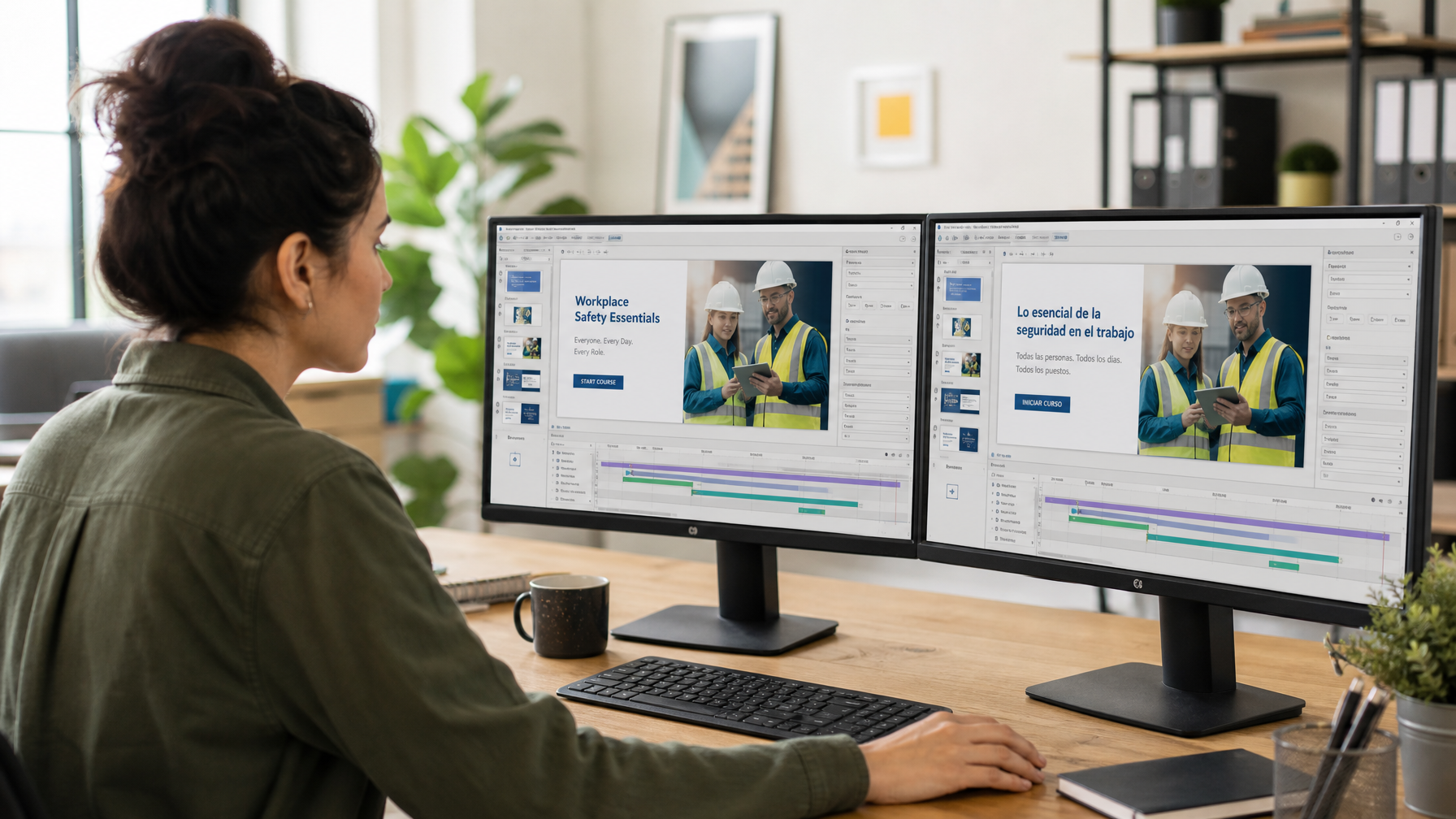
Translating Courses Built in Articulate Storyline, Rise 360, or Adobe Captivate
Key Takeaways
- Articulate Storyline, Articulate Rise 360, and Adobe Captivate are the three most common e-learning authoring tools, and each has its own translation export process.
- Storyline courses are typically translated via Word or XLIFF export, then reimported with formatting and interactivity intact.
- Rise 360's simpler, block-based structure is generally the most straightforward to translate but has less layout flexibility to absorb text expansion.
- Adobe Captivate courses often include more embedded interactions, simulations, and custom variables, which need extra attention during translation to avoid broken functionality.
- Whichever tool you use, working with a translation partner familiar with that specific authoring tool's export/import process reduces rework and reformatting after translation.
The authoring tool your course is built in has a real, practical effect on how translation gets handled. Articulate Storyline, Articulate Rise 360, and Adobe Captivate remain the three most widely used platforms for corporate e-learning, and each one exports and reimports translated content differently.
Table of Contents
ToggleArticulate Storyline
Storyline is the most flexible of the three, allowing highly custom interactions, branching scenarios, and precise slide-by-slide control. That flexibility is valuable for instructional design, but it also means translation needs careful handling.
Storyline supports translation via Word export or XLIFF. The Word export produces a table of all on-screen text, organised by slide, which translators work through directly. XLIFF export achieves the same result but keeps formatting tags intact, which reduces the risk of formatting errors on reimport.
The main translation consideration with Storyline is text expansion inside fixed-size elements. Buttons, labels, and text boxes with a set size don't automatically resize, so translated text that runs 20-25% longer than the English source (common with French, German, and Spanish) can overflow or get cut off. This needs to be checked slide by slide after translation and before final publishing, not assumed to be fine because the Word document looked correct.
Articulate Rise 360
Rise 360 uses a simpler, responsive block-based structure rather than fixed-position slides. This makes it, in most cases, the easiest of the three tools to translate, since responsive blocks reflow automatically to accommodate longer translated text rather than requiring manual layout adjustment.
Rise 360 supports a built-in translation and validation workflow within Articulate 360, alongside the option to export content for translation by an external provider. For organisations working with a dedicated language service provider, exporting the course content for professional native-speaker translation, rather than relying solely on any built-in automated translation, remains the more reliable path for consistent quality, tone, and terminology across languages.
The trade-off with Rise 360's simplicity is reduced control over pixel-perfect visual layout. This is rarely an issue for translation itself, but it does mean the design flexibility available in Storyline isn't available here if a specific visual treatment is required across every language.
Adobe Captivate
Captivate is commonly used for courses with software simulations, custom interactions, and variable-driven logic (branching based on quiz scores, for example). These interactive elements add complexity to translation that goes beyond straightforward text.
Captivate courses often embed text inside simulated screenshots, software demonstrations, or custom widgets, which may not be picked up cleanly by a standard export. Any text baked into an image (rather than rendered as live text) needs separate handling, either through image redesign or a decision to leave certain simulation screenshots in the source language with an on-screen note.
Captivate also supports XLIFF export for the live text elements, which should be the default approach for anything that isn't embedded in an image or simulation. As with Storyline, translated interactions should be tested end to end, not just the text but the actual click-through logic and branching, to confirm nothing breaks once the interface language changes.
A Practical Comparison
| Factor | Storyline | Rise 360 | Captivate |
|---|---|---|---|
| Layout flexibility | High (fixed slides) | Responsive (auto-reflow) | High (fixed slides + simulations) |
| Text expansion risk | Requires manual review | Handled automatically | Requires manual review |
| Best suited to | Custom branching scenarios | Fast-turnaround, standard courses | Software simulations, complex interactions |
| Translation export | Word or XLIFF | Built-in workflow or export | XLIFF (text) + manual handling (embedded images) |
Getting the Most Out of Any Authoring Tool
Regardless of which tool your course is built in, a few practices apply universally:
- Export to XLIFF where the tool supports it, to protect formatting and reduce manual reformatting.
- Build a glossary before translation starts, especially for courses reused or updated across multiple projects.
- Avoid embedding translatable text inside images or screenshots wherever possible; it adds cost and time to every future translation cycle.
- Test the fully translated, reimported course inside the actual authoring tool and target LMS, not just as a translated document.
Conclusion
Storyline, Rise 360, and Captivate each have their own quirks when it comes to translation, but none of them are a barrier to a smooth multilingual rollout if the export and reimport process is handled correctly from the start. Working with a translation partner who understands the specific tool your course is built in, rather than treating every course as a generic Word document, is what prevents reformatting headaches after delivery.
Global LTS provides e-learning translation services across all major authoring tools, including Articulate Storyline, Articulate Rise 360, and Adobe Captivate, with full desktop publishing and file reconstruction to preserve your original formatting and interactivity. We also handle multilingual voice-over recording for any narrated course content. Contact us to discuss which authoring tool your course uses and how we handle it.